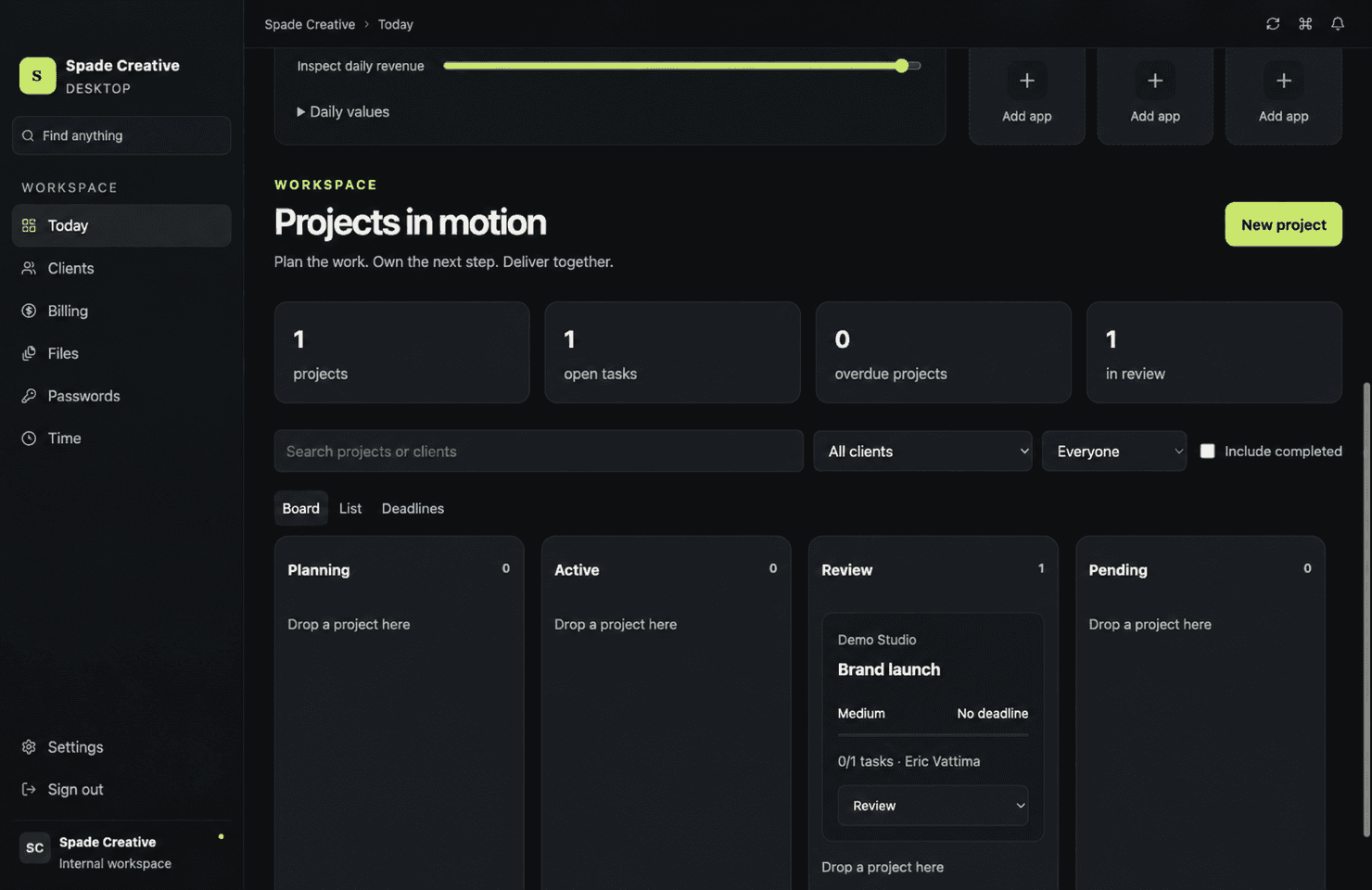
Projects that stay in motion
Move between board, table, and deadline views with tasks, ownership, priorities, reviews, and milestones in context.

Command Center
By Spade Creative
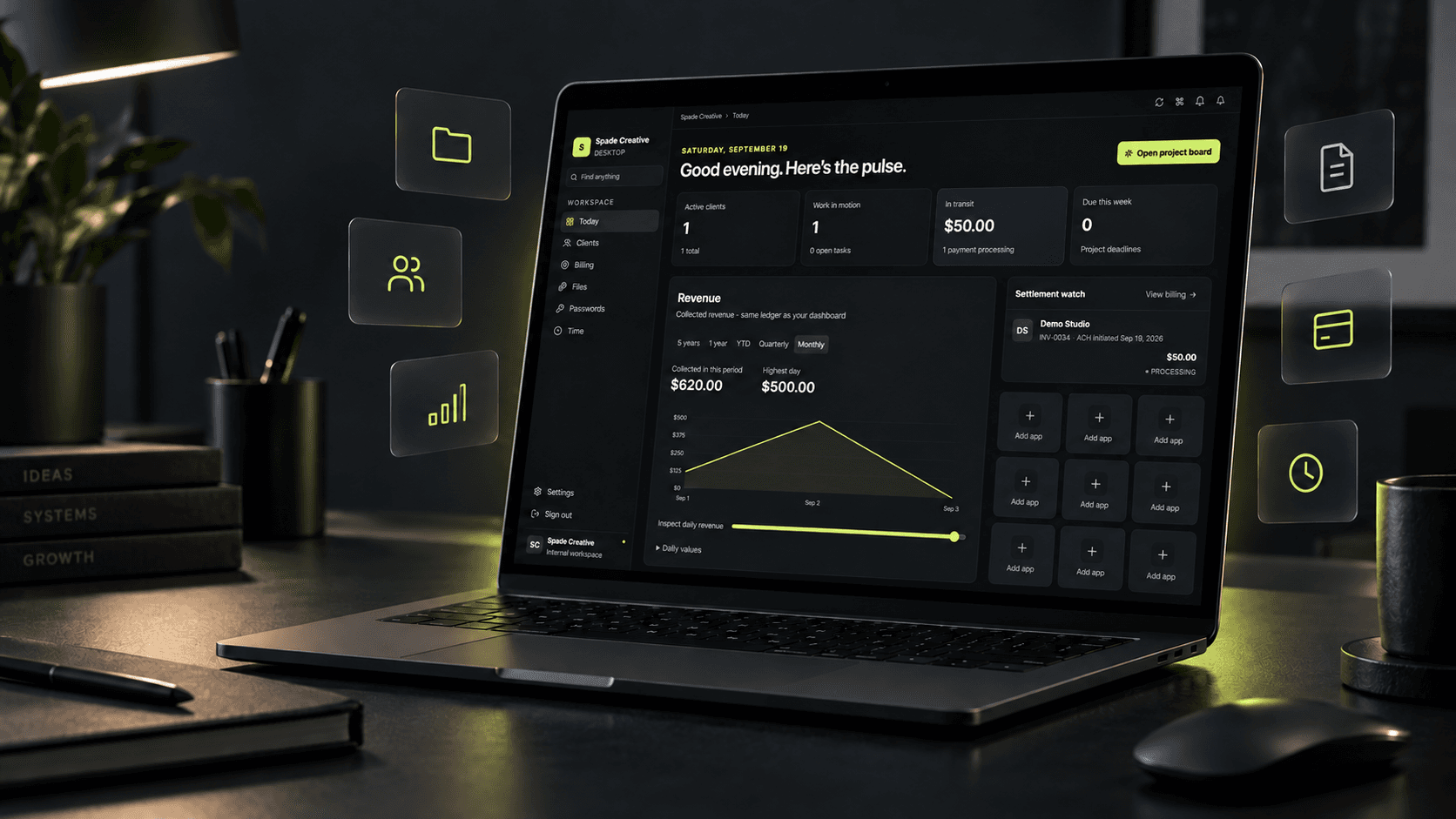
Projects, clients, billing, files, and time—one clear view of what needs your attention.
Command Center for Mac
The desktop command post for creative studios and service businesses.
Or $490 per year · planned launch pricing
Watch the product tourmacOS 13+ · Apple silicon · Internet connection required
When projects, invoices, files, passwords, and time live in separate systems, the owner becomes the integration. Command Center pulls the operating picture together so the next decision is obvious.
The pulse
See active clients, moving work, upcoming deadlines, collected revenue, and payments in transit from one focused home screen.
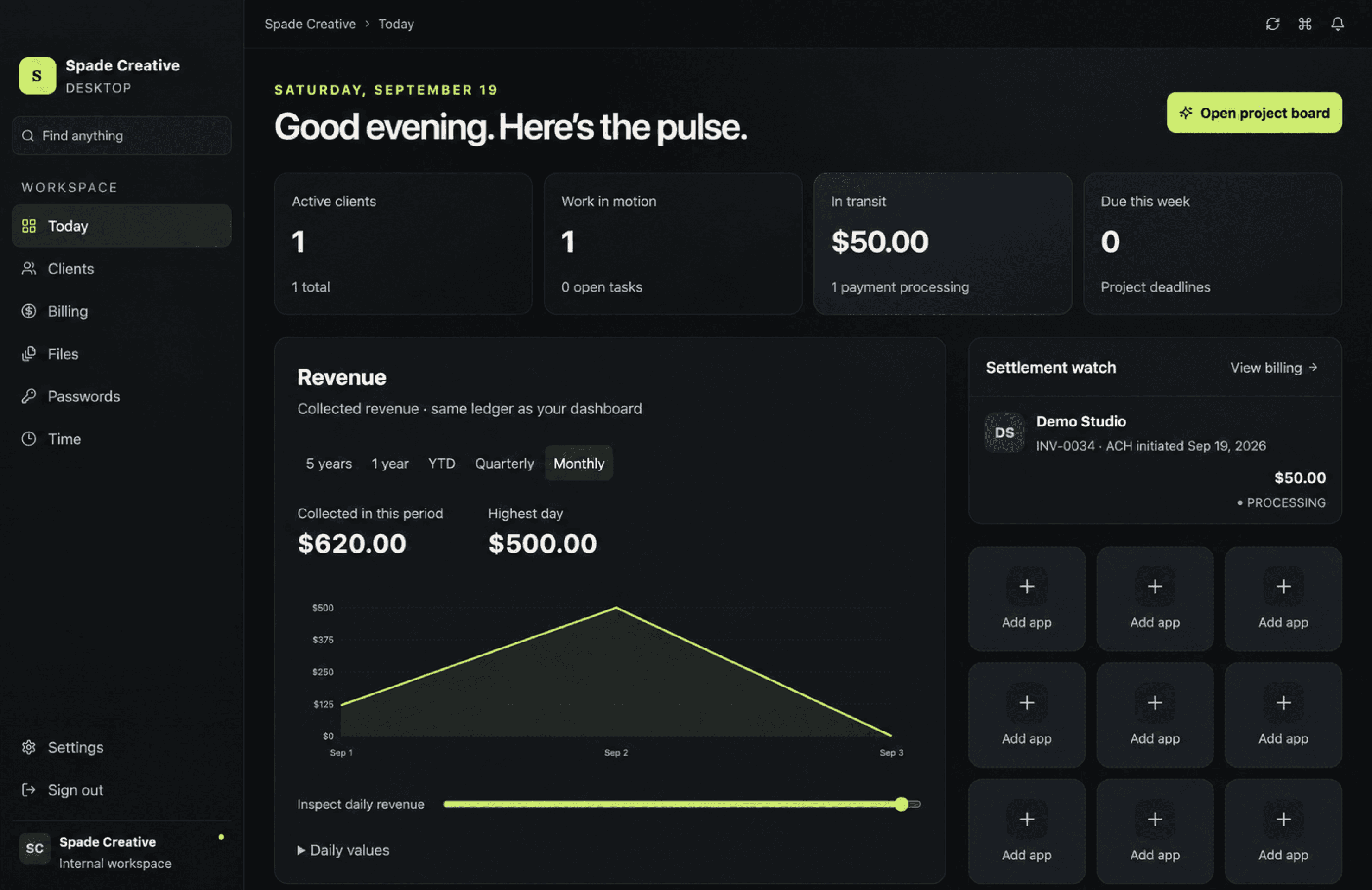
One operational view
Move between board, table, and deadline views with tasks, ownership, priorities, reviews, and milestones in context.
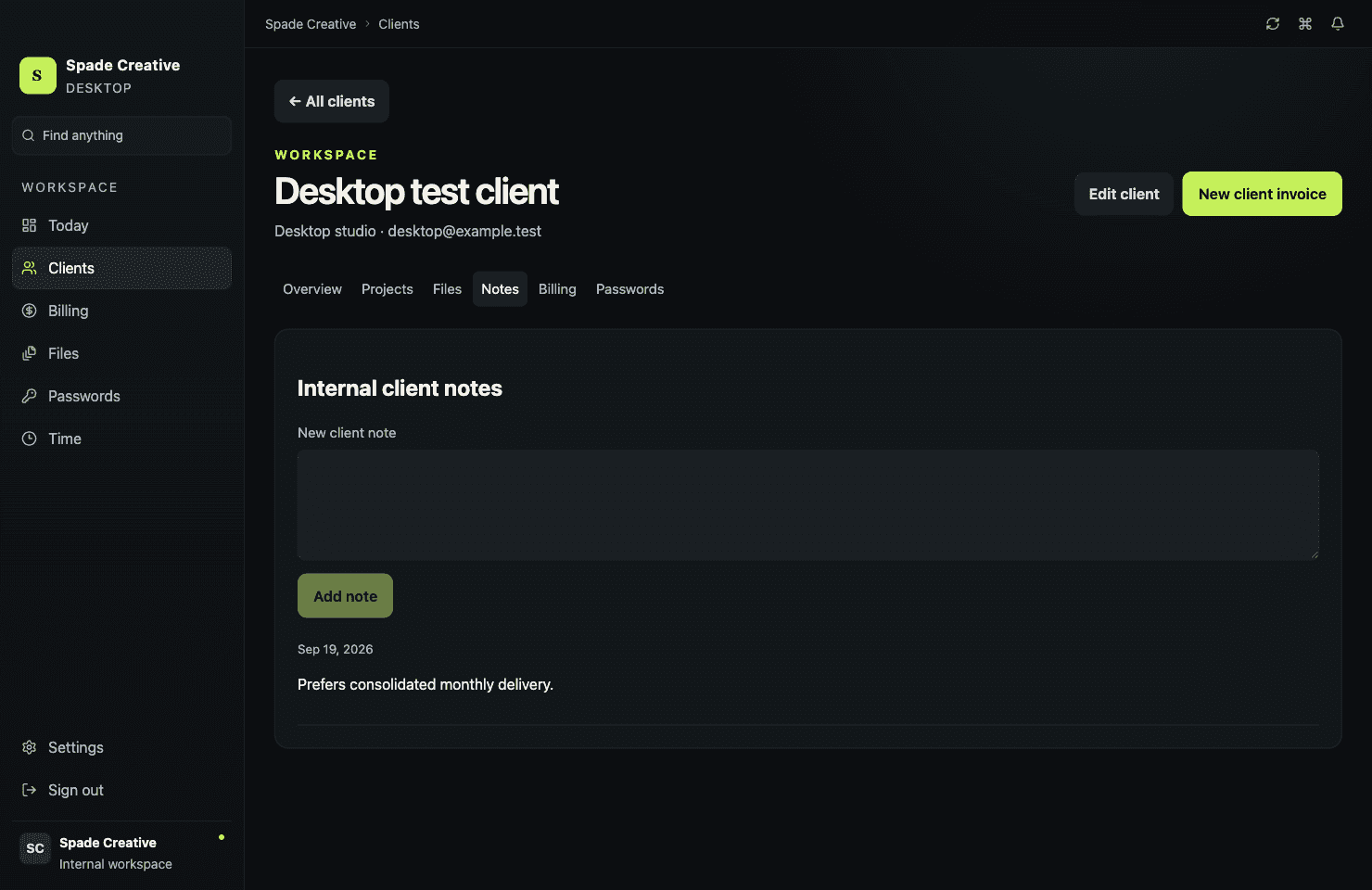
Keep the client story together: contacts, projects, files, notes, billing history, and the details your team needs to deliver.
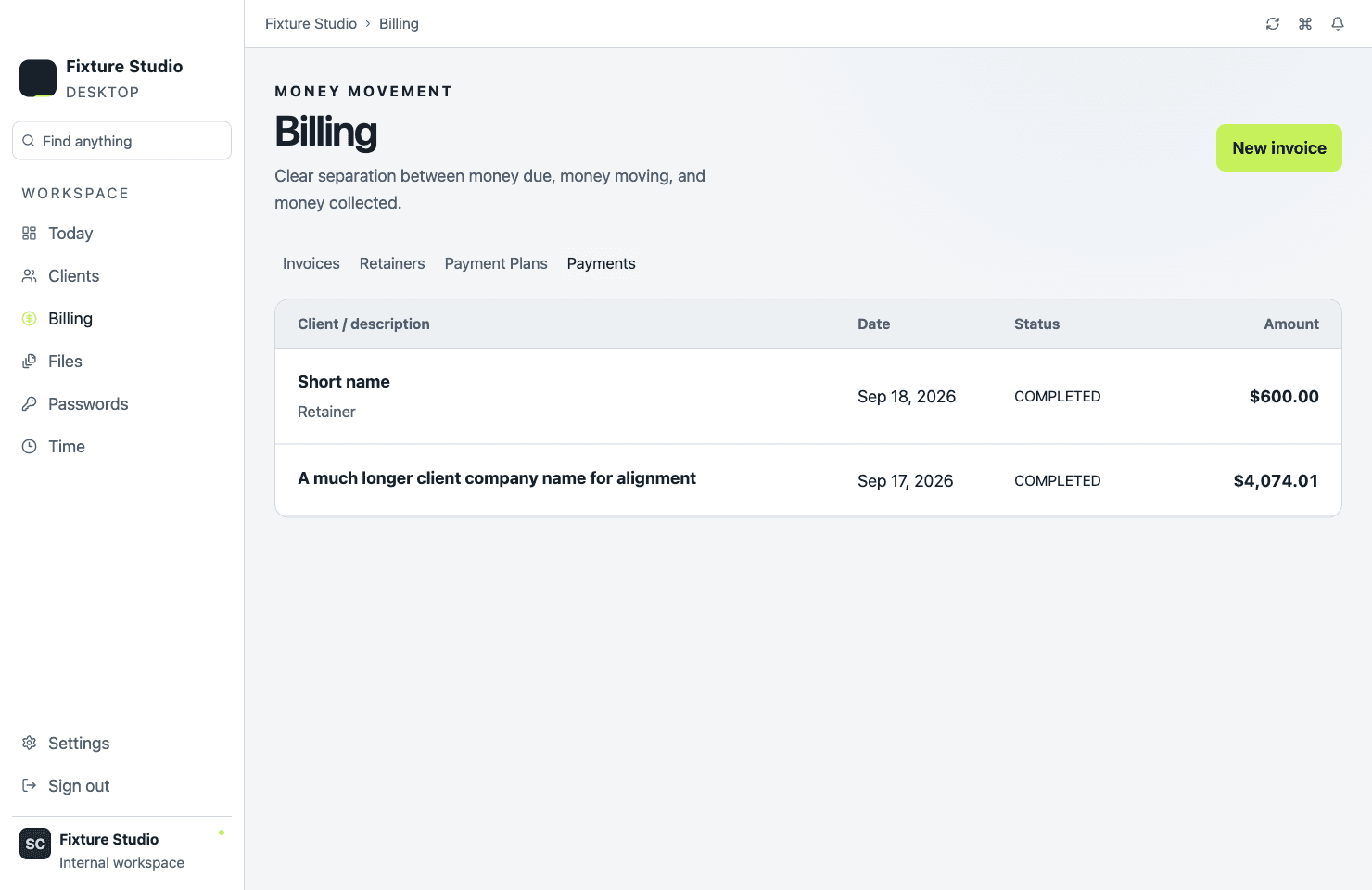
See invoice drafts, payment state, retainers, installment plans, and collected-payment visibility from one billing workspace.
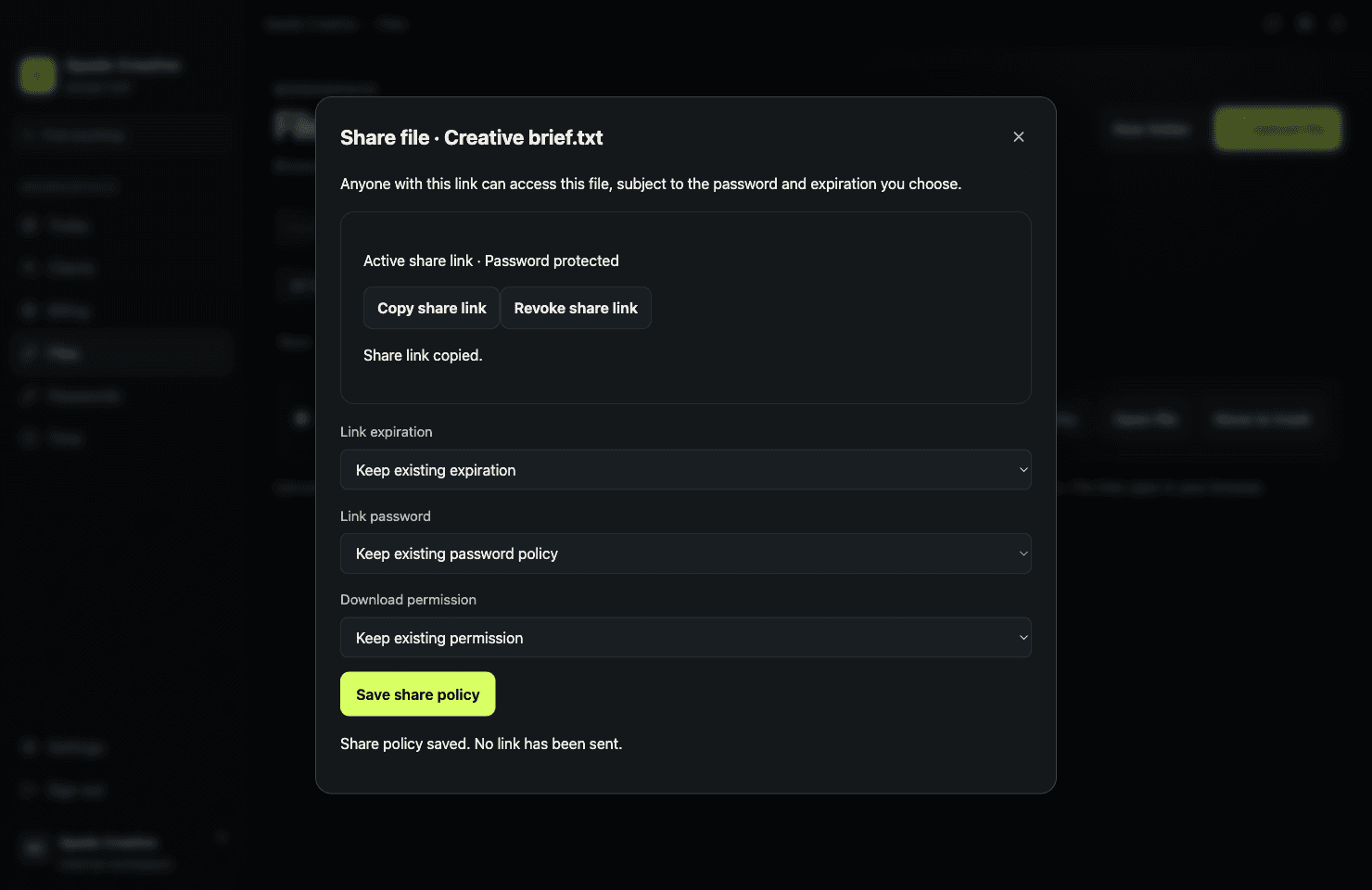
Browse client drives, use folders and tags, control visibility, and create protected links with expiration and revocation.

Start, pause, and finish timers or add time manually, then review the work by client and date without rebuilding the trail.
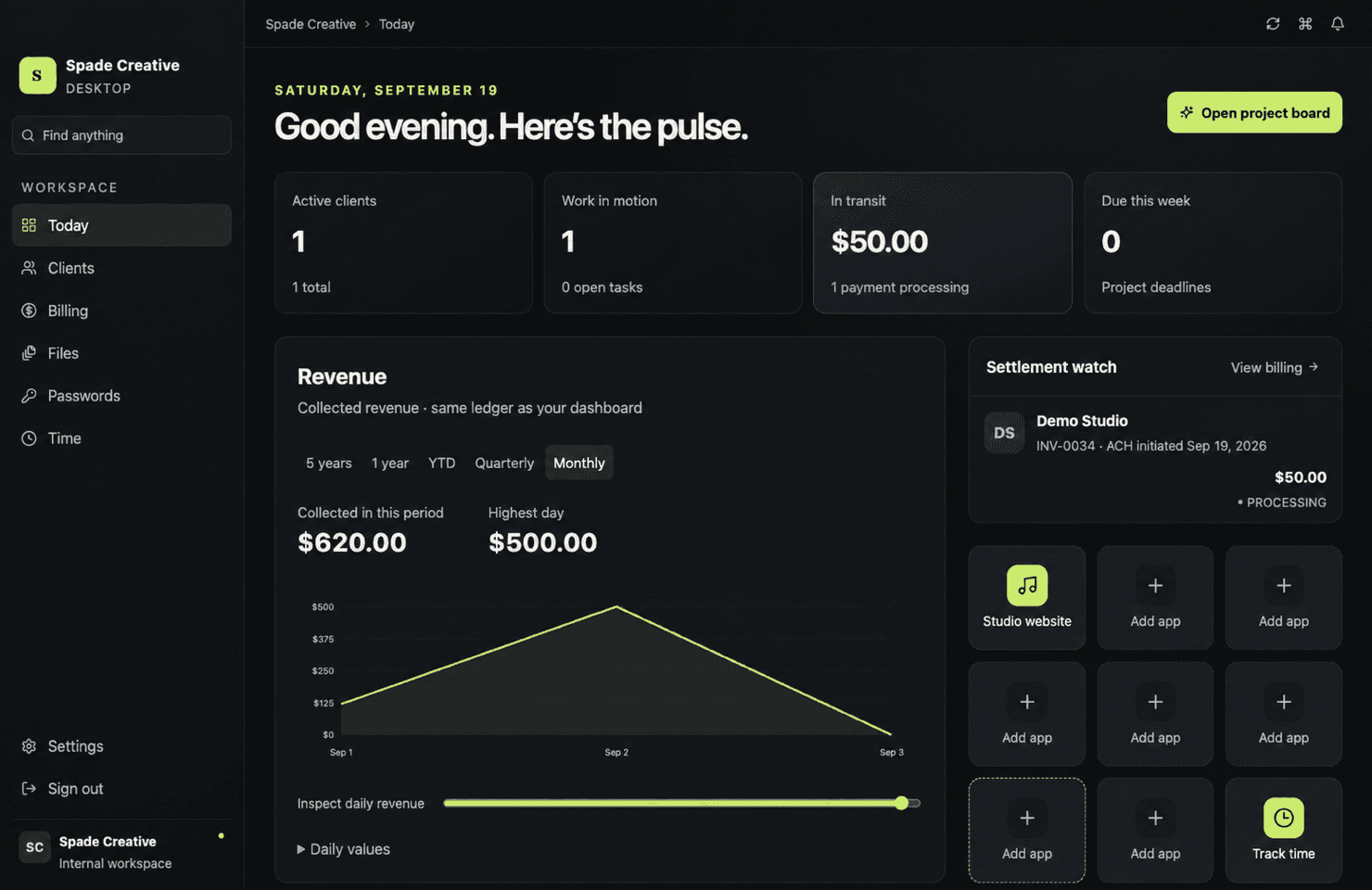
Keep frequently used web tools and built-in destinations close with a personal launcher designed for the way you work.
One client. One operational thread.
Add the client
Create the project
Attach files and reviews
Track time and invoice
Follow payment from Today
Product tour
A quick look at the real product—from Today to projects, client context, billing, files, and time.
A local desktop interface designed around active client work.
Authentication is isolated from the main workspace.
Desktop actions use explicit allowlists.
Business records stay current through a cloud-backed workspace.
One workspace. One clear plan.
Monthly
Annual plan: $490 per year. Pricing begins when Command Center is released.
Planned for launch
Questions, answered
Command Center is a Mac desktop workspace for running client-based work. It brings projects, client context, billing visibility, files, time, and key business signals into one focused interface.
Not yet. Command Center is currently in private development while the production workspace, account onboarding, signed installer, and customer support systems are prepared.
The first release is planned for Apple silicon Macs running macOS 13 Ventura or later. Windows, Intel Mac, and mobile versions are not currently promised.
No. Command Center uses cloud-backed business records and requires an internet connection.
No. Command Center helps you manage invoices, payment status, and operational revenue visibility. Continue using appropriate accounting and tax software for bookkeeping, reconciliation, and filings.
Team workspaces and permissions are part of the production release plan. Exact seat allowances will be published after entitlement and pilot testing are complete.
Yes. Supported updates are planned to be included while your subscription is active. Command Center will not be sold with lifetime updates or a perpetual license.